

English日本語

The next-generation cloud logbook for amateur radio

Every QSO you log
makes radio more fun.

Log your QSOs. Your award progress, QSO map and QSL status are kept up to date for you.

All you need is an email address and a password. No credit card. Logging is free with no limit on QSOs, and every Plus feature is unlocked for 30 days.

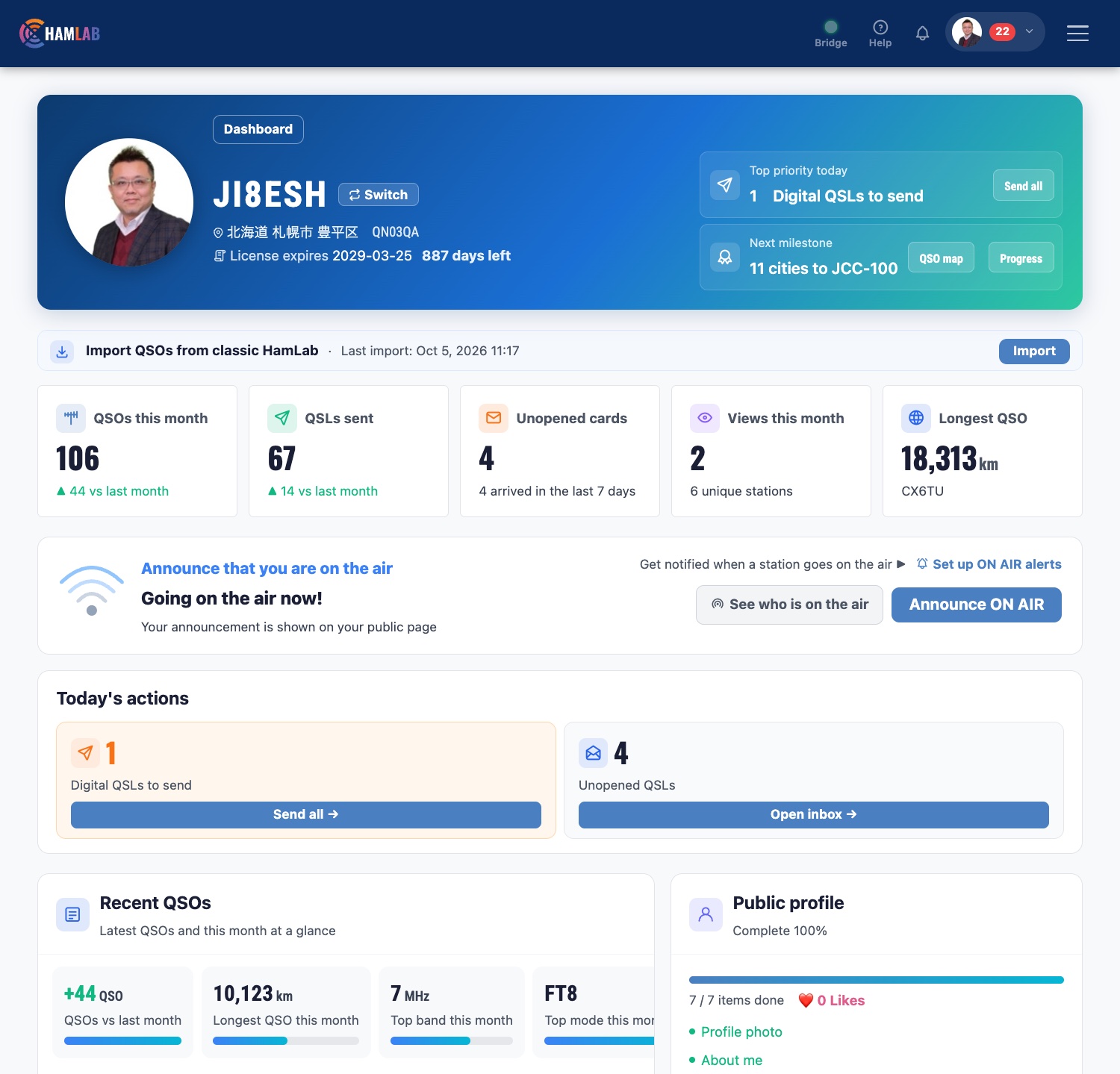
Dashboard screenshot (sample data)
  • JTDX and WSJT-XContacts logged for you
  • LoTW and eQSL.ccUploaded automatically
  • DXCC award98 / 340. 242 to go
  • Your public pageapp.hamlab.jp/JA1ABC

Dashboard screenshot (sample data)

01 · Sound familiar?

Logging shouldn’t be a chore.

The trouble nowWith HamLab
  • Managing your log, QSL cards and awards takes a lot of work.
    HamLab handles it all in one place, with less effort.

02 · What you can do

What you can do with HamLab.

Log it. Send it. Collect it. Show it.

1

See what you still need for your awards.

Progress for DXCC, POTA and more is counted from your log, with worked and confirmed shown separately. For JCC and JCG, HamLab also helps you prepare your application.

  • DXCC and POTA progress
  • Awards are available on the paid plans (free during your 30-day trial)
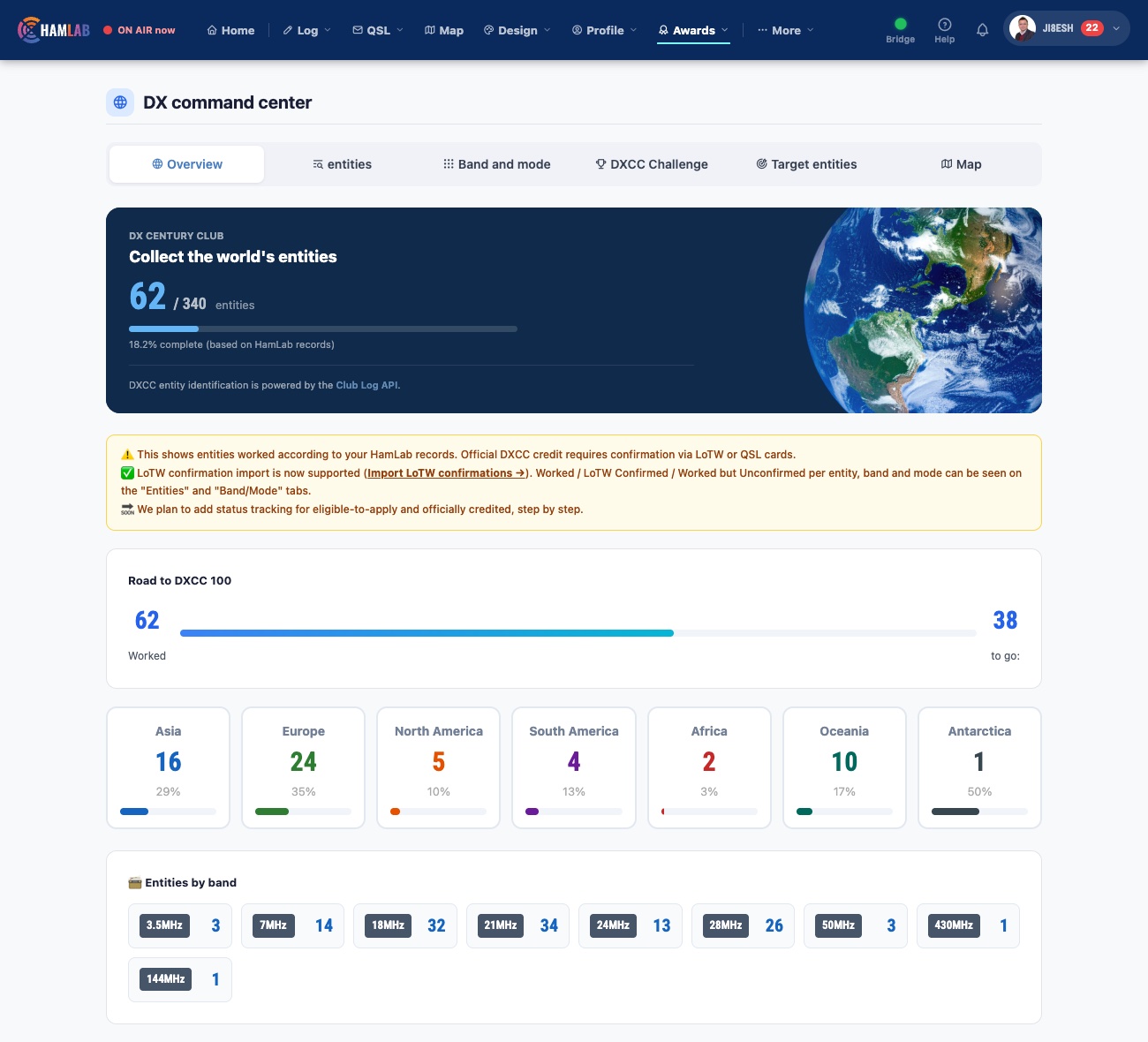
Award progress screen
2

Know what you’ve sent, and what’s come back.

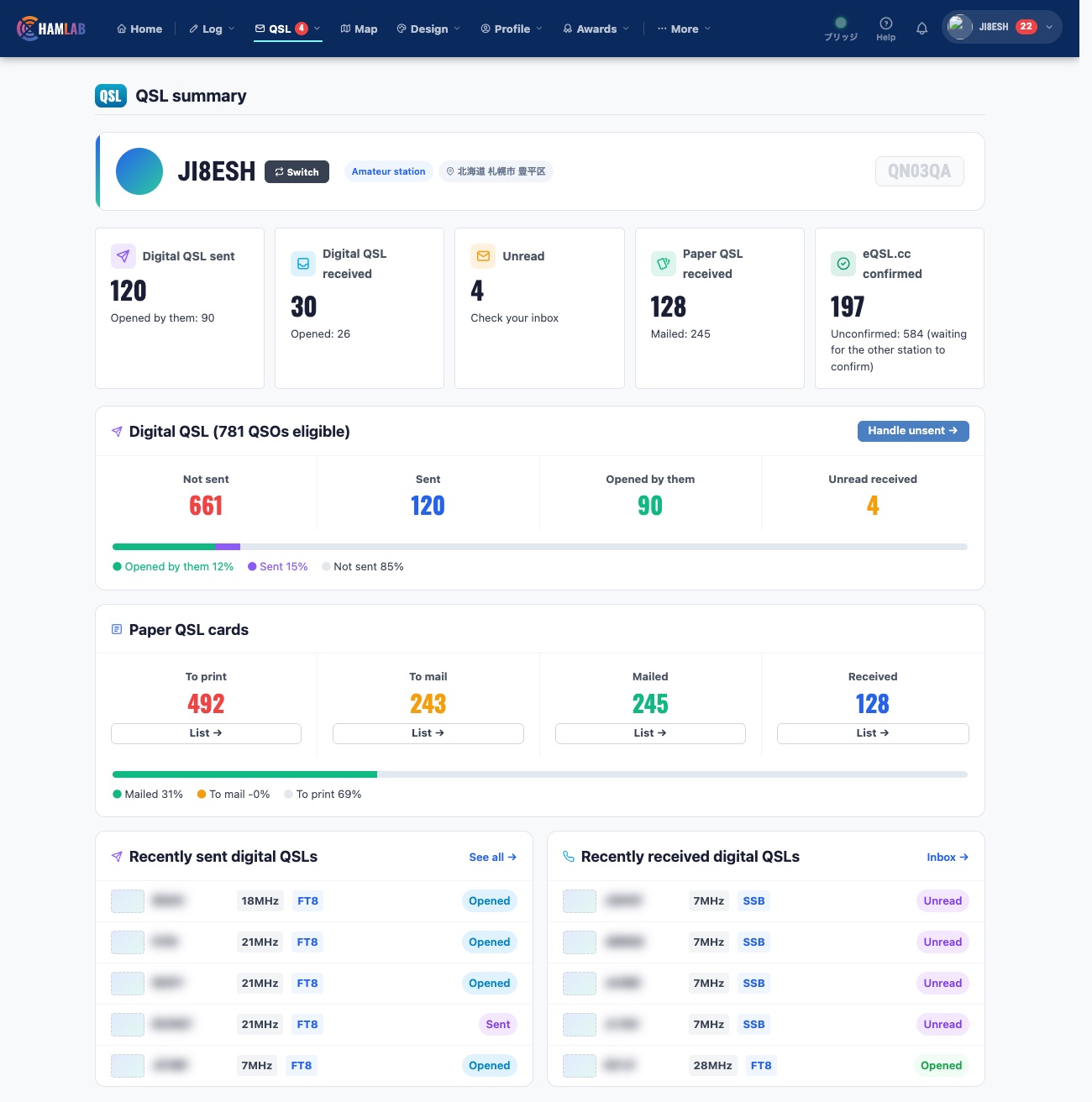
HamLab’s own electronic QSL and paper QSL cards, tracked in one view: sent, received, still to go. Design your own card on screen and print it.

  • Electronic QSL sending and receiving
  • Printing, and tracking of mailing and receipt, for paper QSL cards
  • Design your own card on screen
QSL summary screen
3

Work the bands. The paperwork follows.

QSOs from JTDX and WSJT-X go straight into your log, and can be sent to LoTW and eQSL.cc automatically. No retyping. (Included in the paid plans, and free during your 30-day trial.)

  • LoTW: signed by TQSL on your own computer. HamLab never holds your private key or password
  • Automatic upload to eQSL.cc too, with confirmations brought back to your log
  • Automatic LoTW upload needs a one-time setup on your computer
  • Support for FT8TW is under development
JTDX and WSJT-XYou operate
Your HamLab logLogged for you
LoTW and eQSL.ccUploaded automatically
4

Bring your existing log with you.

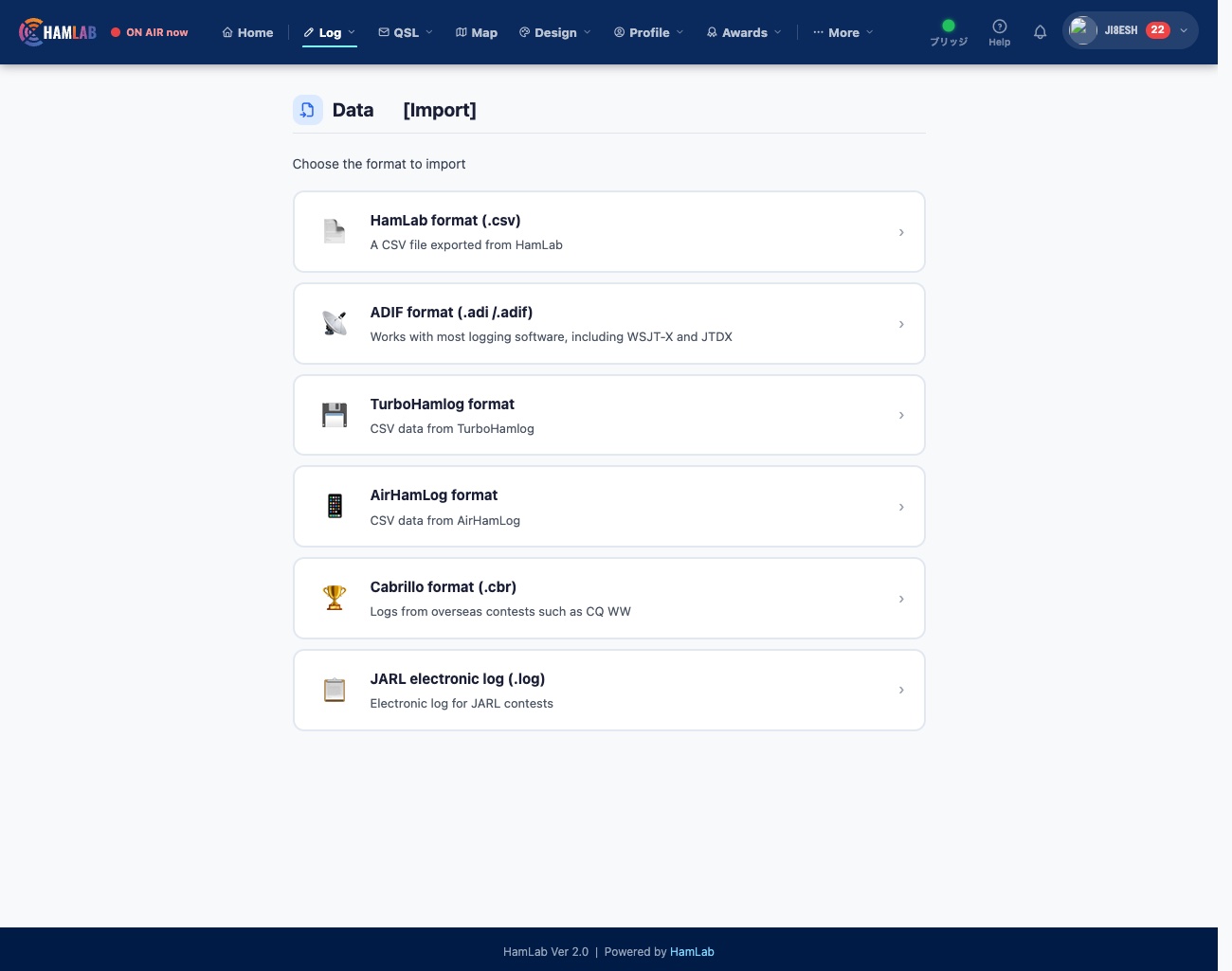
Import ADIF from any logger that exports it, plus Cabrillo. Japanese formats (Turbo HAMLOG, AirHamLog) are supported too. You can export your data as well, so you are never locked in.

  • Starting fresh is fine too
Log import screen
5

Tell other hams you’re on the air.

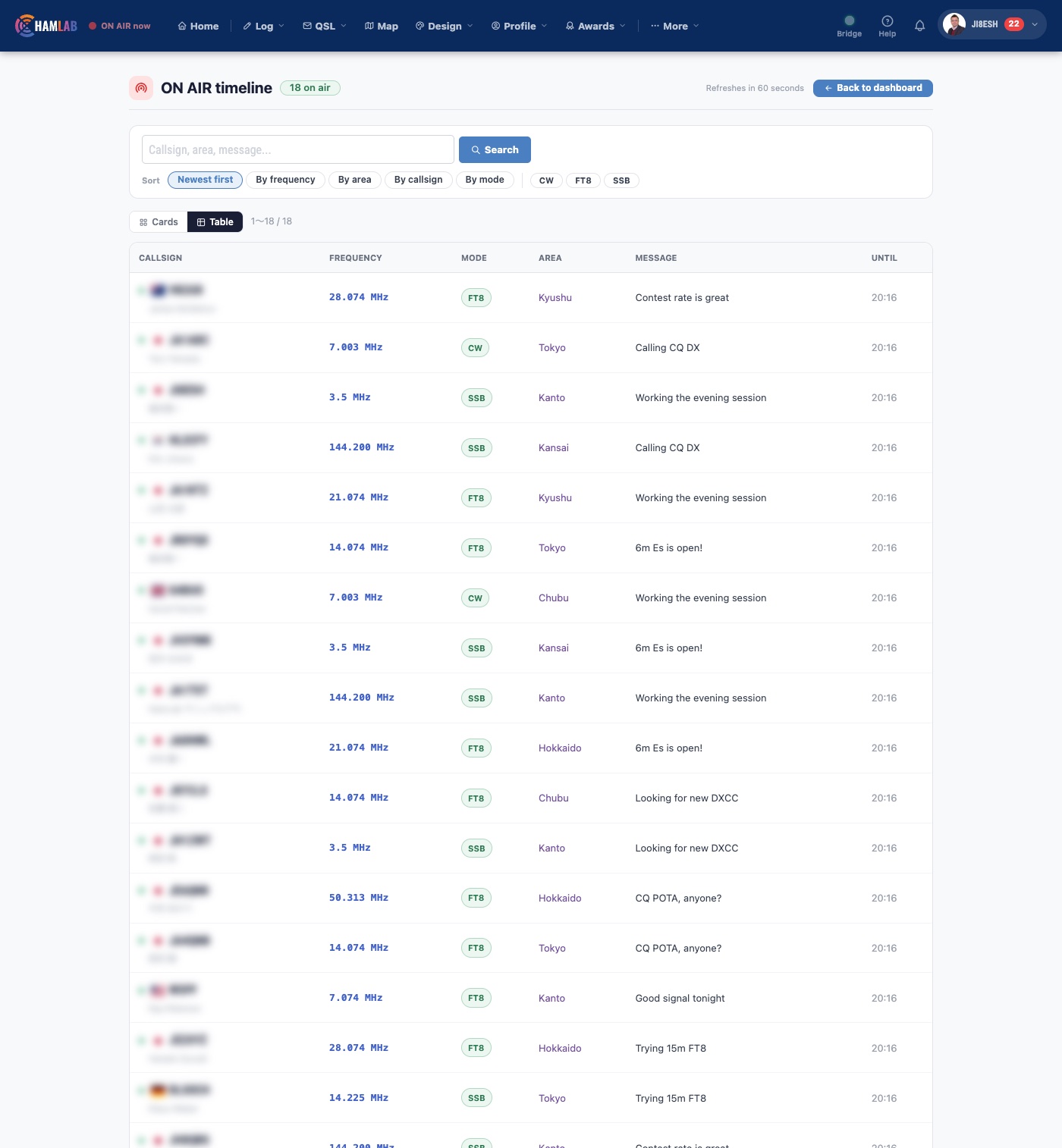
Announce when you start operating, and you appear on the ON AIR list and on your public page. See who is on the air right now, on one list.

  • Filter by band, mode and region
  • Alerts when stations you follow come on (paid plans)
  • Message other HamLab members
ON AIR timeline
6

See where in the world you have worked.

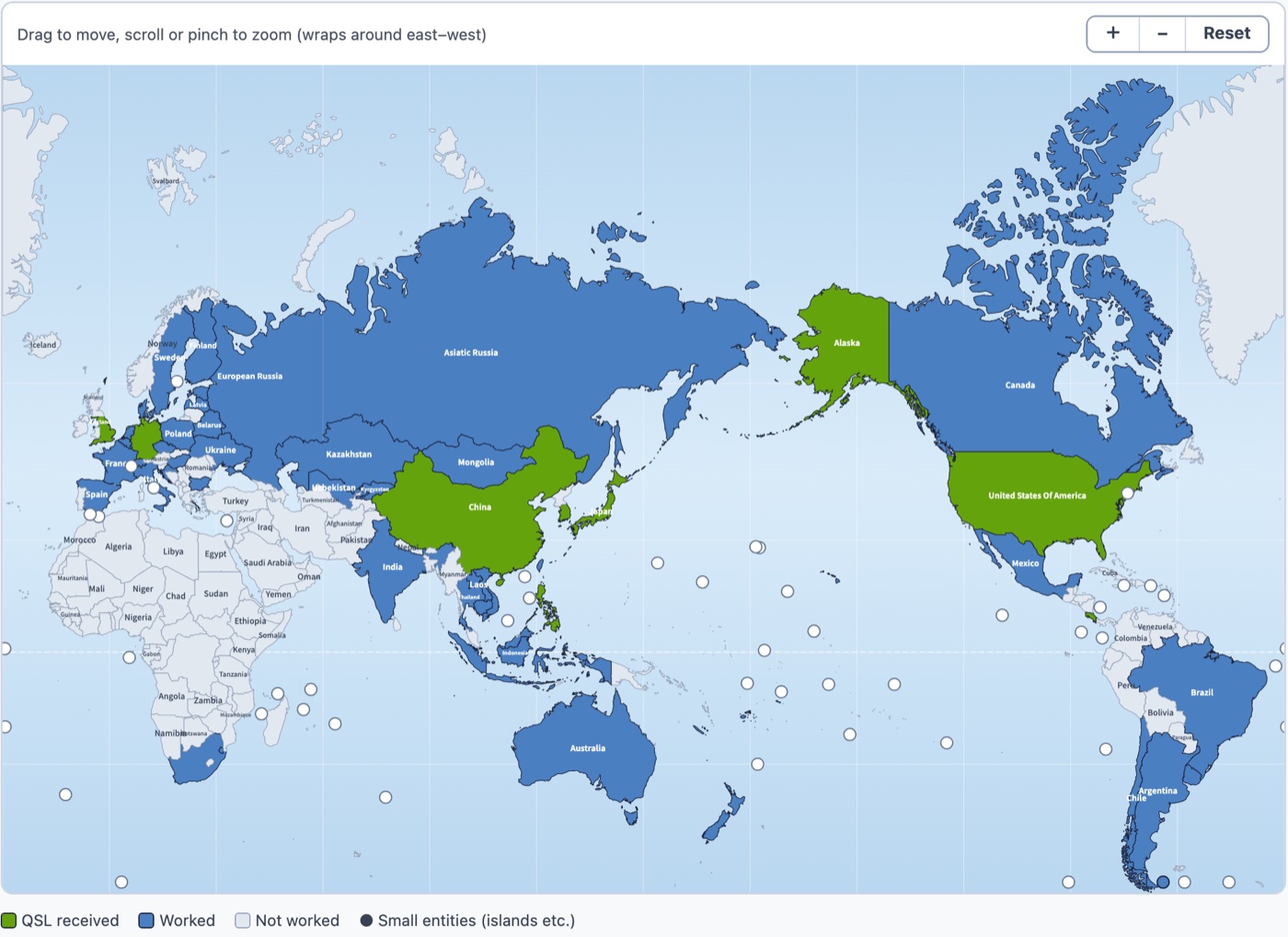
The DXCC entities you have worked are coloured on a world map, and so are the ones you hold a QSL from. Choose how you see it: Japan-centred, Atlantic-centred, or an azimuthal map from your own QTH.

  • Worked and QSL-received entities in different colours
  • Zoom in and drag to explore, or focus on one continent
  • 340 DXCC entities in total
World QSO map
7

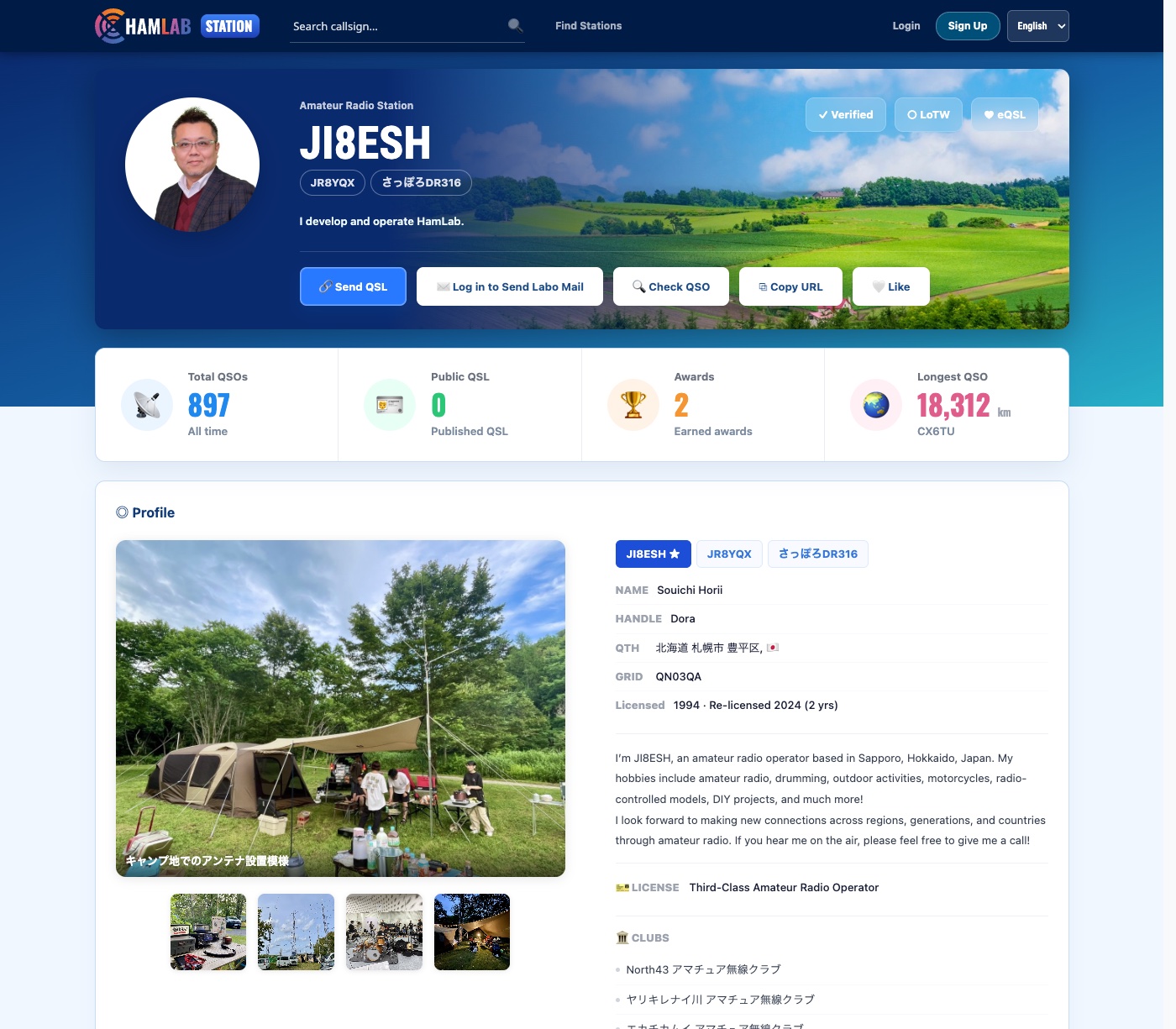
Your own page, for the world to see.

Each callsign gets a public page showing your station and your activity.

  • Your page: app.hamlab.jp/JA1ABC
Public profile screen

03 · Every feature

And there is more.

Every feature, one by one.

Tap a tab to switch between categories

  • Fast entryEarlier QSOs with the station appear as you type
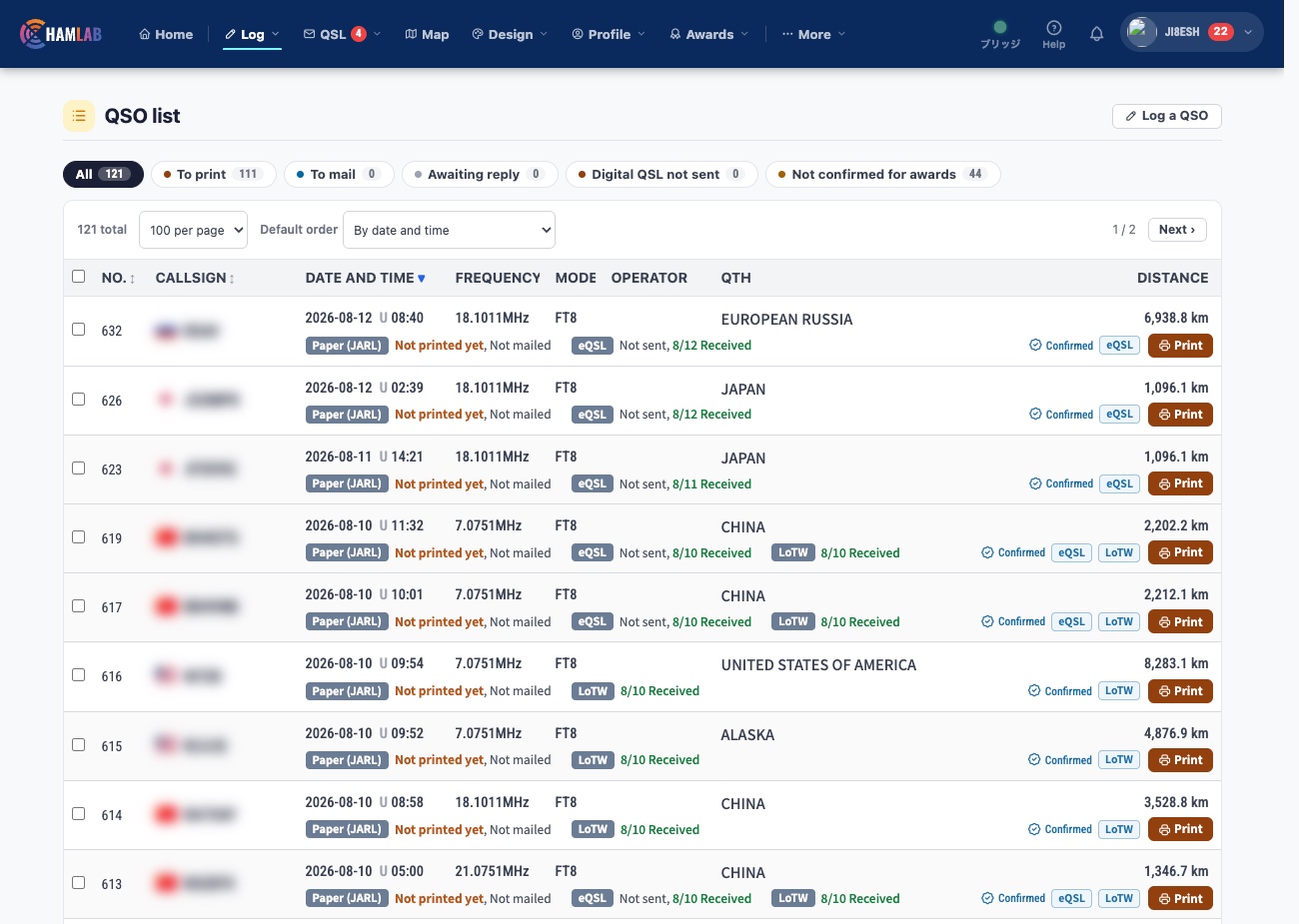
  • DistancesWorked out for you, with grid locator support
  • Find and fixSearch, filter and edit in bulk
  • Portable QTHsSave up to 26
  • Callsign lookupQRZ.com, HamQTH and more

04 · Getting started

Getting started takes three steps.

  1. 1STEP 1 / 3
    Email address
    you@example.com
    Password
    ●●●●●●●●
    Sign up free

    Sign up

    An email address and a password. That’s all.

  2. 2STEP 2 / 3
    Your log fileADIF etc.
    Your HamLab log✓ Import complete

    Import your log

    Load the file from the logger you use now (ADIF is fine). Starting fresh is fine too.

  3. 3STEP 3 / 3
    Log one QSO, and…
    K1ABC20mFT8
    QSL cardsAwardsQSO map

    Then just operate

    Log a QSO and your awards, map and QSL status update.

Not sure what to do next? Each screen tells you. If you get stuck, send us a message through Contact.

Start free

05 · Pricing

Try every Plus feature free for 30 days.

Logging is unlimited on every plan. Pick a plan when you find you need more.

Your first 30 days include every Plus featureNo credit card needed. After the trial you move to Free automatically, and you are never charged without asking.

Free

For keeping your log, free for good

Free

No time limit

  • Unlimited QSOs
  • 1 callsign
  • Unlimited electronic QSL sending and receiving
  • Basic QSL templates
Start free
Recommended

Plus

For getting everything HamLab offers

¥3,960 /year

About US$26 a year. Or ¥440 a month.

  • Unlimited QSOs
  • 5 callsigns
  • Unlimited electronic QSL sending and receiving
  • Automatic logging from JTDX and WSJT-X
  • Automatic upload to LoTW and eQSL.cc
  • QSL designer
  • Award tracking
Start with Plus

Family

For sharing with the family

¥7,920 /year

About US$53 a year, up to 6 people. Or ¥770 a month.

  • Plus-level features for each family member (up to 3 callsigns each)
  • Logs, QSLs and profiles kept separate
Start with Family

Pay by credit card.

  • VisaMastercardJCBAmerican ExpressDiners ClubDiscoverUnionPay
    Apple PayGoogle Pay

    Credit card

    Billing
    Monthly or yearly
    Renewal
    Renews automatically
    How
    Secure checkout through Stripe. Apple Pay and Google Pay work too

Billed in Japanese yen. Your card issuer’s exchange rate applies.

Prices are in Japanese yen, tax included. US dollar amounts are approximate. To change plans, contact us. On Free, awards, automatic logging from JTDX and WSJT-X, and automatic upload to LoTW and eQSL.cc are not available (they work during your 30-day trial).

06 · Questions

Before you start, a few questions.

I’m not great with computers. Can I still use it?

Each screen tells you what to do next. If you get stuck, send us a message through Contact.

Does it work on Windows, Mac and my phone?

Yes. You just open it in your browser, so there is nothing to install. On a phone or tablet, log in at the same address, and the screens adjust to your screen size. We recommend the latest Chrome, Safari, Edge or Firefox. Only the helper program that connects JTDX and WSJT-X is installed on a Windows or Mac computer.

Can I move my current log in?

Yes. You can load ADIF, Turbo HAMLOG, AirHamLog and Cabrillo files.

Does it work with JTDX and WSJT-X?

Yes. FT8 and other QSOs go straight into your log. You install a small helper program on your computer, and the screens walk you through it. It is available on the paid plans, and free during your 30-day trial. Support for FT8TW is under development.

Is the Free plan really free?

Yes. Logging has no limit on QSOs and no time limit. For your first 30 days every Plus feature is unlocked, then you move to Free automatically. You are never charged without asking.

Can I cancel?

Yes. Contact us by the day before your next renewal date. You can keep using the plan until the end of the period you have paid for. Payments already made are generally not refunded.

Is automatic LoTW upload safe?

Signing happens in TQSL on your own computer. HamLab never holds your LoTW password or private key, and you choose whether to turn it on and from which date. It is available on the paid plans.

Can I export my data?

Yes, as ADIF or CSV.

08 · Contact

Contact us

If you are stuck, found a problem, or have a request, write to us here. The questions above may already have your answer.

Only if you have one.
0 / 2,000 characters (at least 20)

Ready when you are

Start with
today’s QSO.

Logging is unlimited and free. QSL cards, awards and your map all use the same log.

  • Just an email address and a password
  • No credit card
  • Every Plus feature free for 30 days
  • Bring your current log in as a file
Start free

Already a HamLab member? Log in

Notes on using HamLab
  1. There is no limit on the number of QSOs. The Free plan has limits on features: for example, 1 callsign and basic QSL templates. Plans may change.
  2. For 30 days after you sign up, every Plus feature is open to you. After that you move to Free automatically, and a paid plan starts only if you choose it.
  3. Awards, automatic logging from JTDX and WSJT-X, and automatic upload to LoTW and eQSL.cc are on the paid plans. Automatic LoTW upload needs a setup on your computer. Award applications and recognition are decided by each organization.
  4. LoTW and TQSL (ARRL), eQSL.cc, QRZ.com, HamQTH, Turbo HAMLOG, AirHamLog, hQSL, JTDX and WSJT-X are names or trademarks of their owners. HamLab is not affiliated with or endorsed by them; the names are used only to show which file formats and services work with HamLab. The same applies to DXCC, WAC, WAZ, POTA, JCC and JCG.
  5. What appears on the screens (callsigns, names, figures) is an example.